
Handling Designs for Orders with Personalized Campaigns
NOTE: The personalization feature is only available on select stores as part of a trial.
After publishing a personalized campaign on your store and receiving an order, you’ll be notified via email and Telegram message. As a seller, you need to review and create the design for the personalized campaign and upload it within 24 hours so the production team can process the order on time.
Below is a guide to help you review and upload designs for your personalized campaigns.
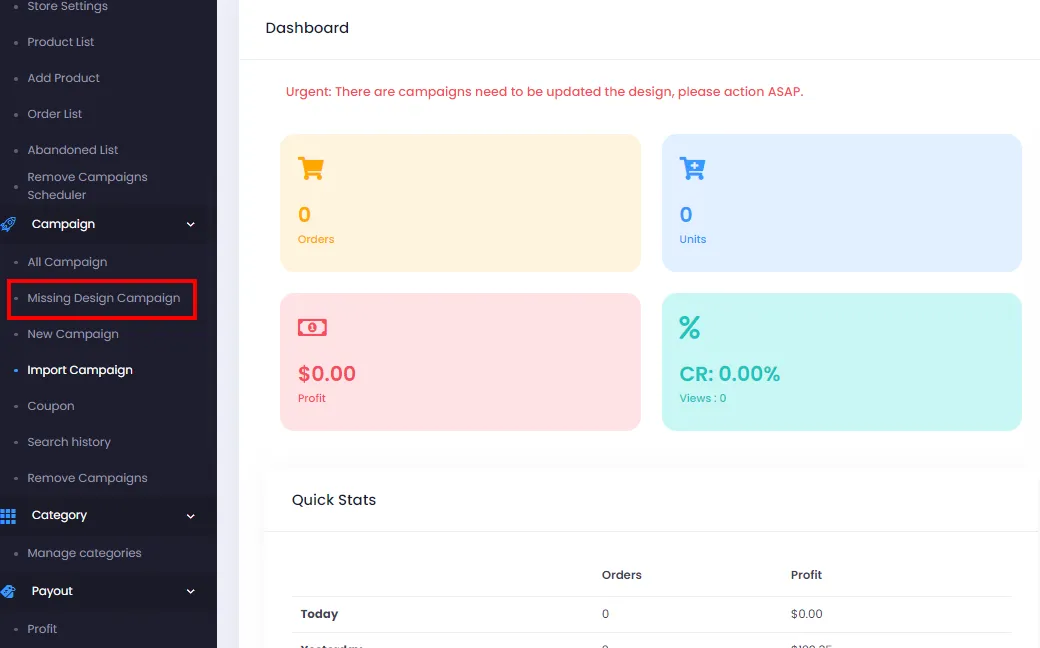
- From the admin page, click Missing Design Campaign.
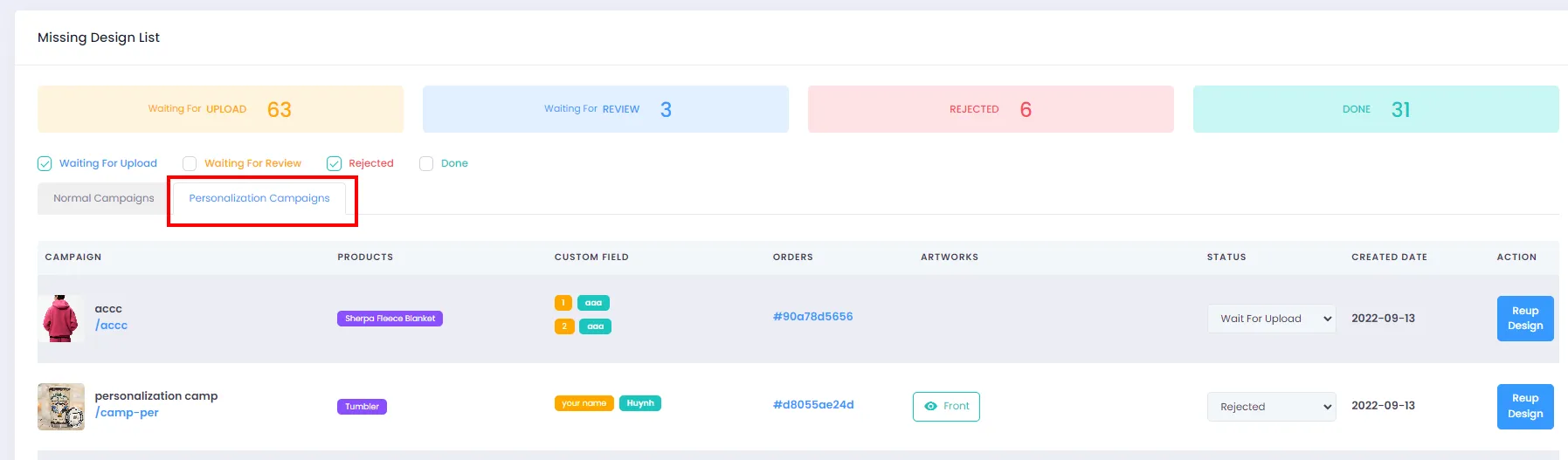
- Once the Missing Design List page appears, click the Personalization Campaigns tab.
- Here, you can filter campaigns by their design upload status, which includes the following states:
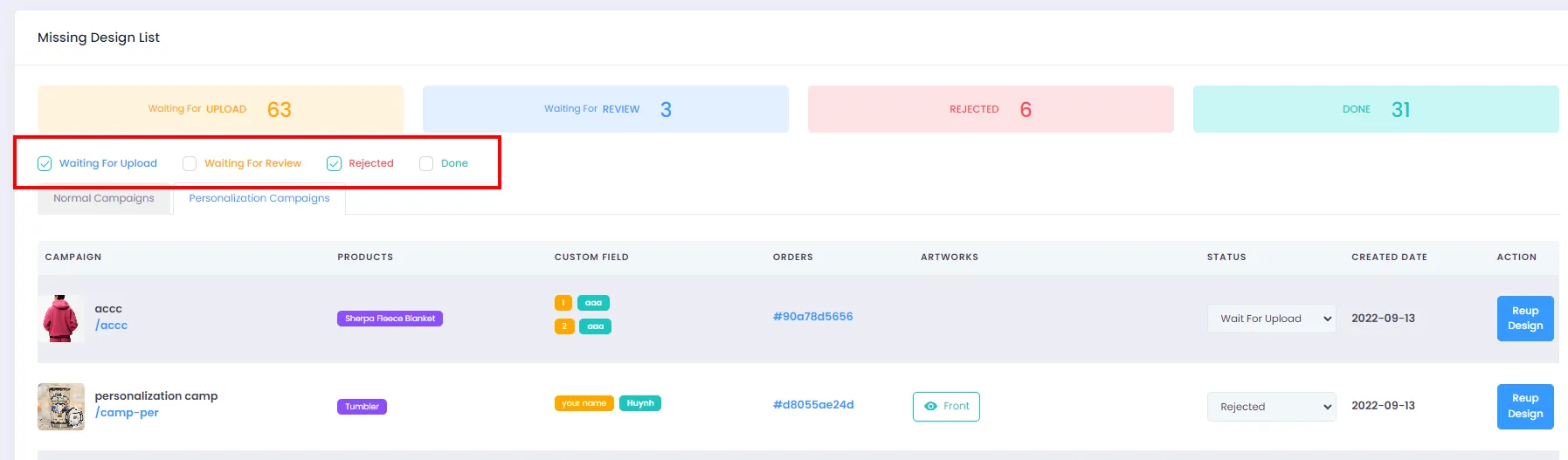
- Wait for upload: The campaign has no design yet - sellers need to create a design based on the Custom Field and upload it as soon as possible so the production team can process the order.
- Wait for review: After the design is uploaded, the product team will review it before processing the order. If the design doesn’t match the mockup, the production team will mark it as Rejected and the seller must fix and re-upload.
- Rejected: The design was rejected because it didn’t match the mockup.
- Done: The design is approved and the production team will process the order as usual.
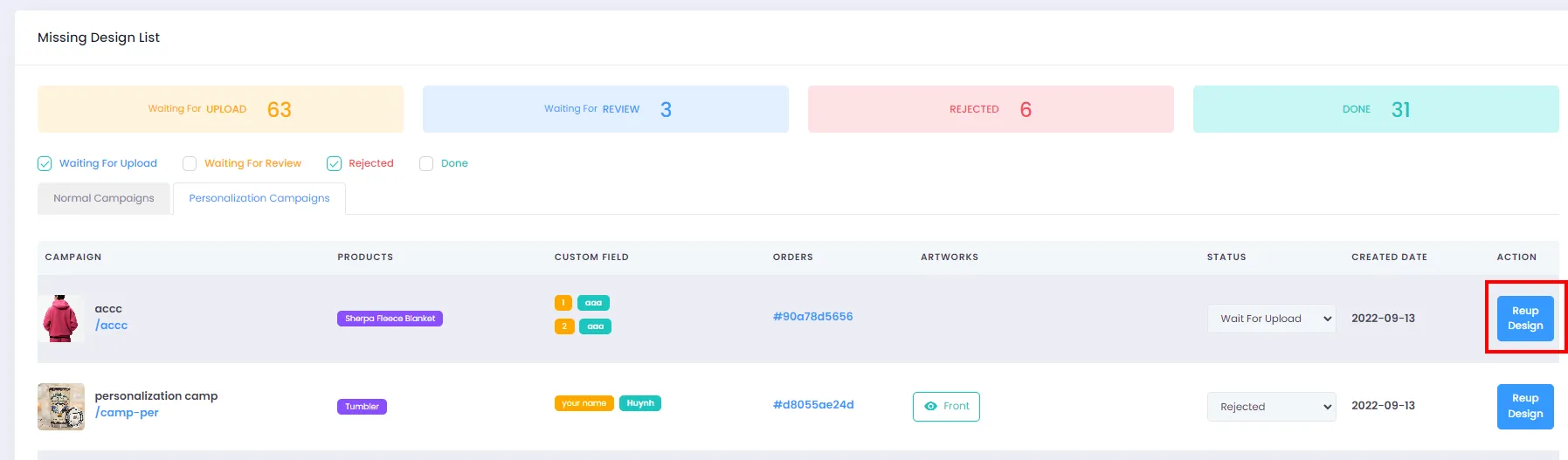
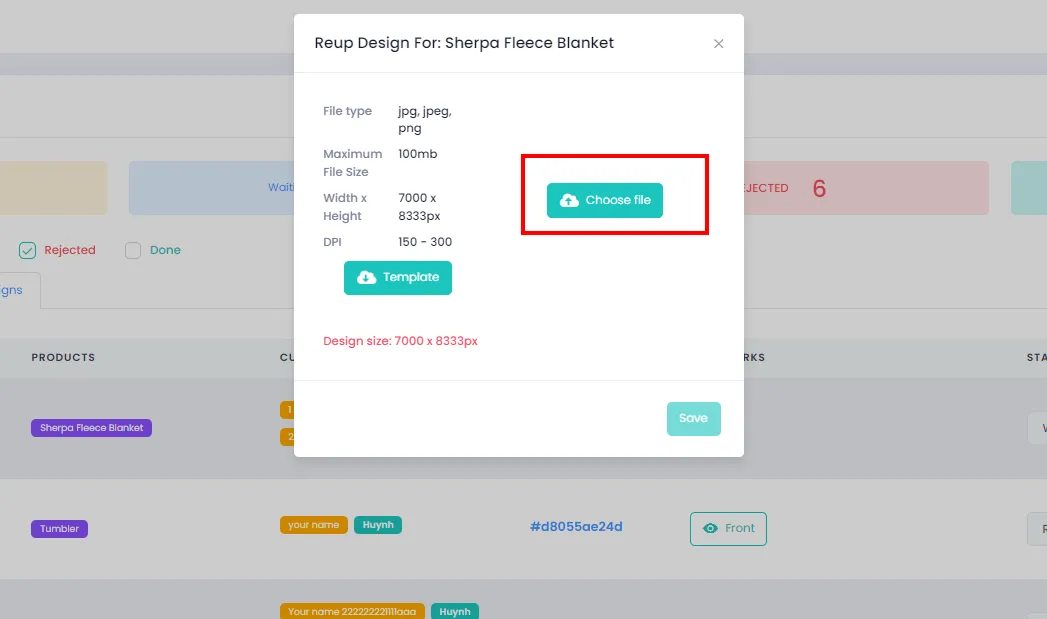
- Click Reup Design to upload a design.
 5. A dialog will appear - click Choose file and select your design file.
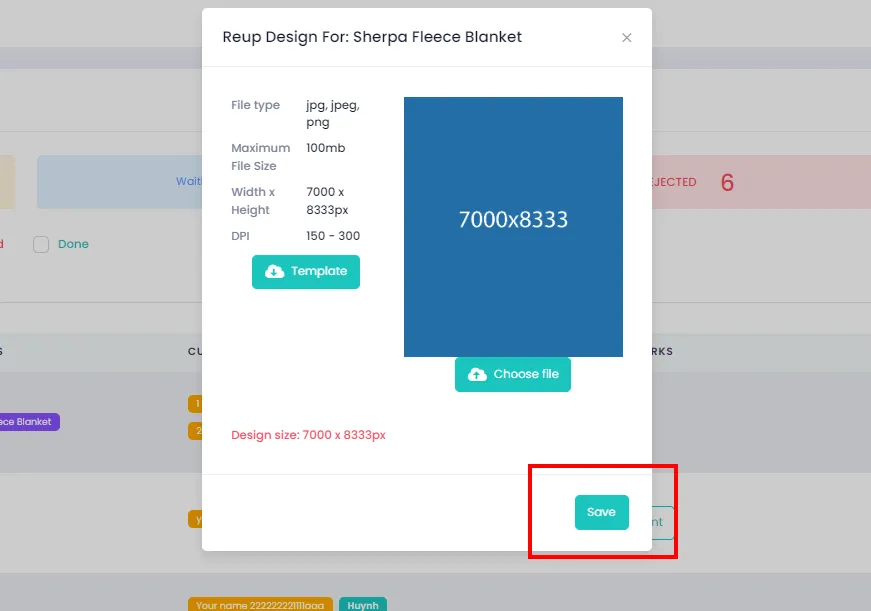
- After the design is uploaded, click Save to close the dialog. The system will then upload the design.
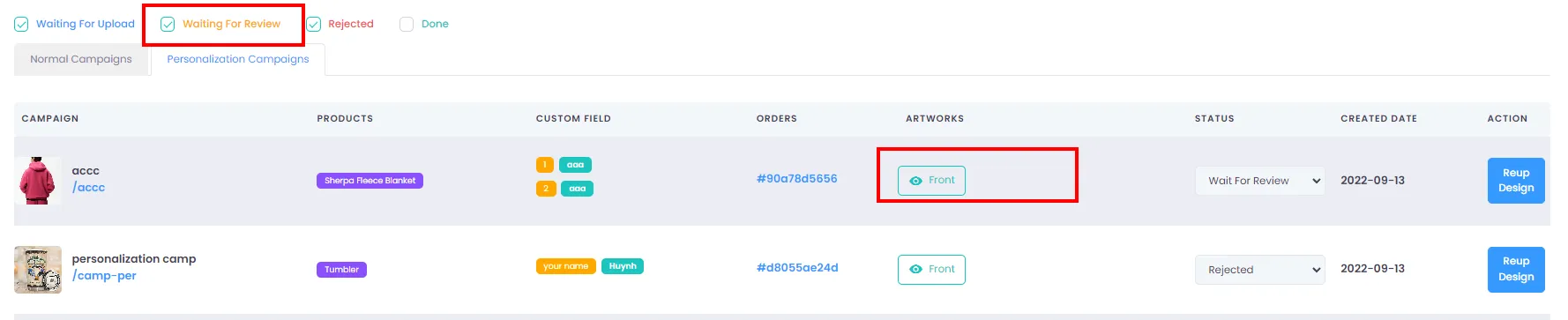
- You can review the design of your personalized campaign by filtering for Wait for review status and clicking the button as shown.
A few notes:
- Sellers only need to pay attention to two statuses: Wait for upload and Rejected.
- Designs should be uploaded as soon as possible (within 24 hours of receiving the email or Telegram notification).
- For personalized campaigns, the design must include text matching the Custom Field.